Manage User Preference Defaults
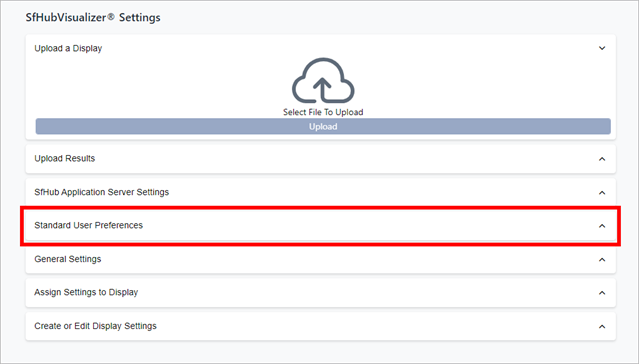
On the SFHub Visualizer Settings page, in the Standard User Preferences panel, you can define a set of default user preference settings that are then automatically applied to every new user (when a new user is added).
Click on the
 Visualizer Settings icon to open the SFHubVisualizer Settings panel.
Open the Standard User Preferences panel
For more details on working with User Preferences settings, please see the following sectionstopics.