Manage SFHub Application Server Settings
The SFHubVisaulizer® Settings page includes a feature that allows an administrator to set preferences for the SfHub Application Server, that apply to all users. The feature includes two settings:
Data Format: Allows you to set the default format for how printed dates.
Decimal Digits: Allows you to set the maximum number of decimal digits for printed numeric values.
SfHub Application Server Date Format
To set or change the application server default date format:
Click on the
 Visualizer Settings icon on the command bar.
The SfHub Visualizer® Settings page opens.
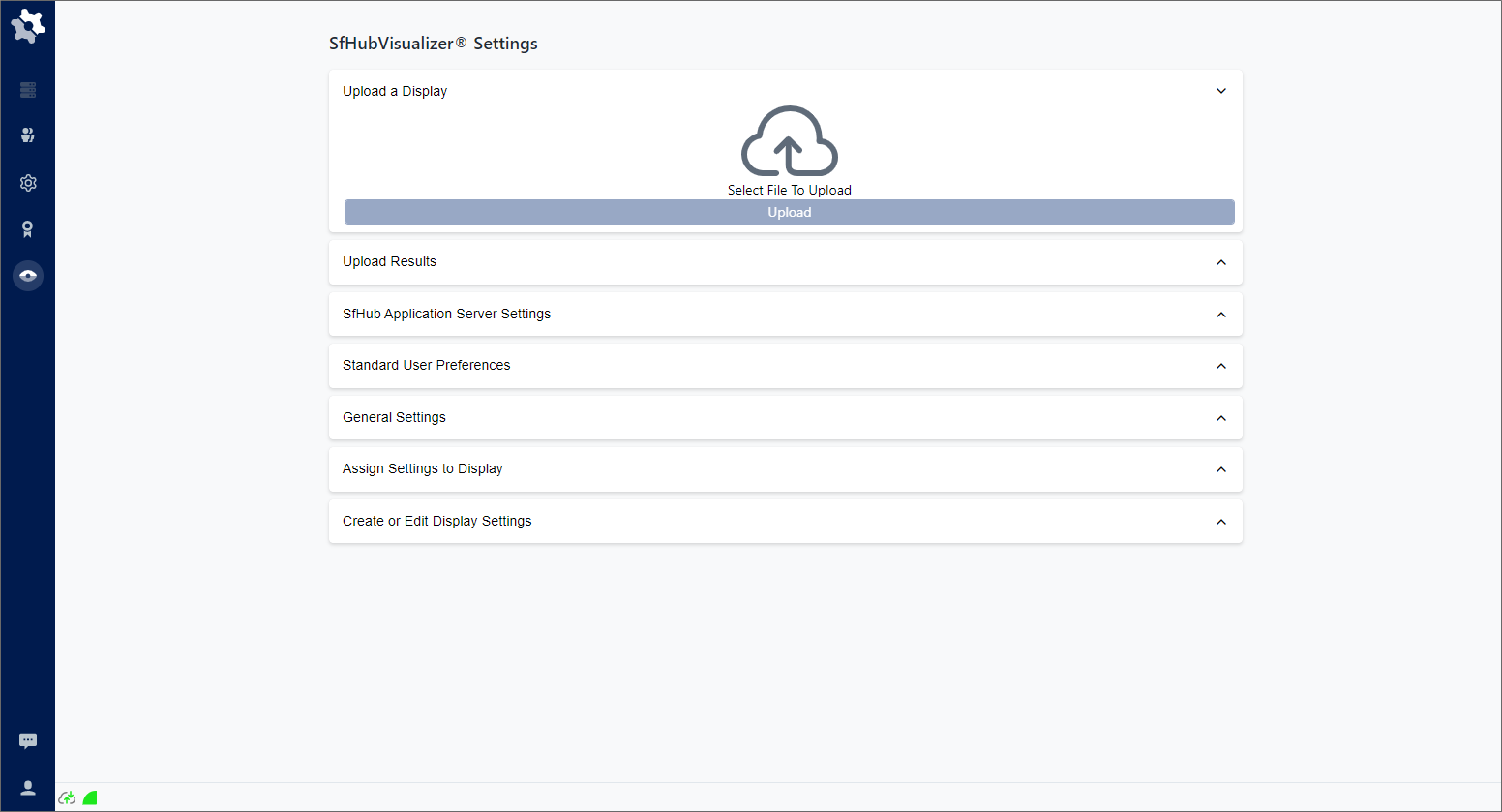
Click on SfHub Application Server Settings to expand the panel.
SFHub Application Server Settings
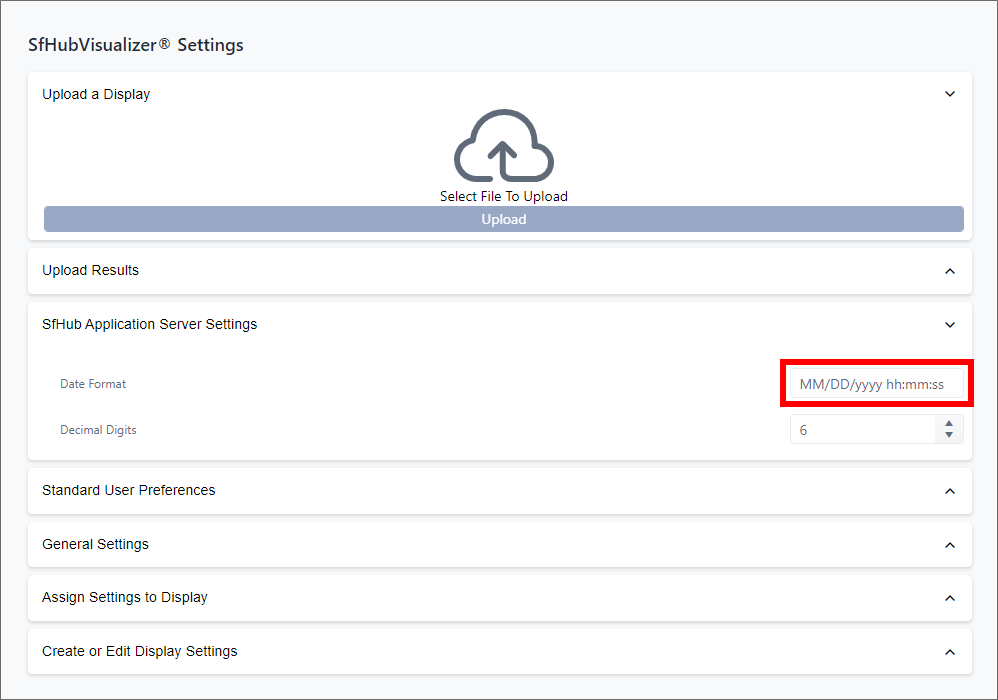
In the Date Format text box, highlight the current format and type your new format over it.
SfHub Application Server Decimal Digits Setting
To set or change the application server default decimal digits setting:
Click on the
Visualizer Settings icon on the command bar.The SfHub Visualizer® Settings page opens.
SFHub Visualizer® Settings page
Click on SFHub Application Server Settings to expand the panel.
SFHub Application Server Settings
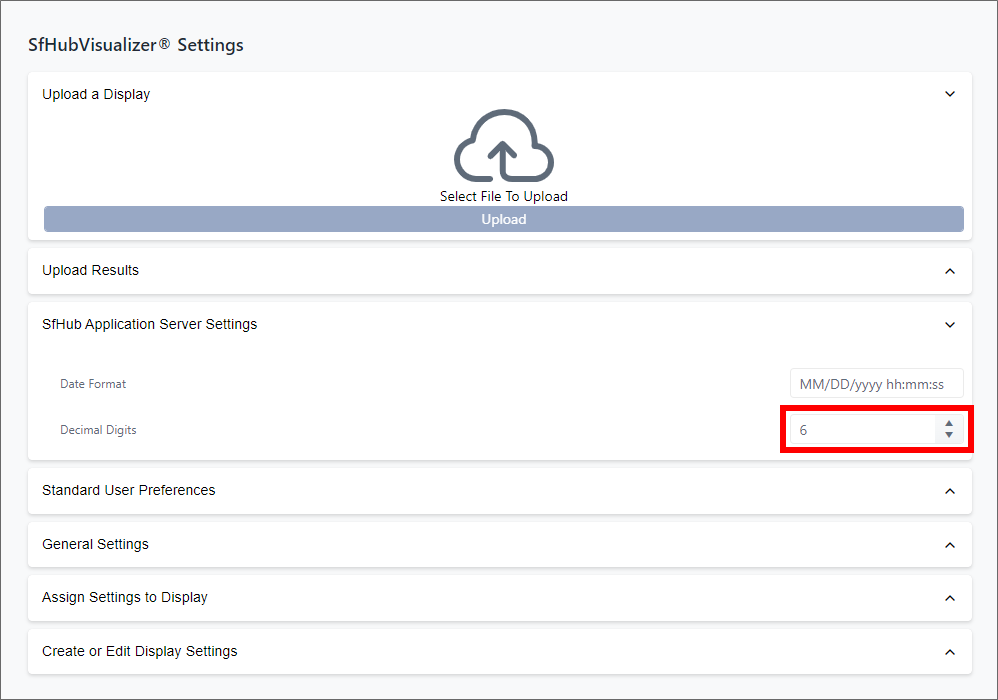
In the Decimal Digits text box, either highlight the current number of digits and type your new number over it, or use the up/down arrows to cycle through the number of available decimal digit settings.
This setting represents the total number of digits including both before and after the decimal point.