Dropdown
The Dropdown Visual object allows you to create a drop-down list to enable enabling users to work more efficiently with SFHub Reports. The drop-down allows the users to pick an item from a list (e.g., make a choice, in order to filter the data that is shown in the report).

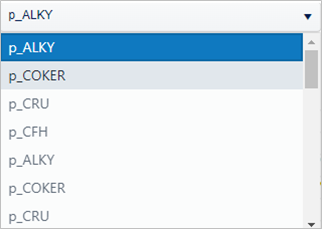
Visual objects of type Dropdown require a SFHub Studio Analytic that exposes analytic variables of type SFHub Dictionary or SFHub List.
Dropdown Configuration Panel
The following pages provide an overview of the configuration panel.
You can use the Dropdown visual object in a report to make filtering options available, so that users can limit the data shown by other Visuals in the report. For example, you can configure a Lookup on Tables or Charts Visuals using a Dropdown as the Source Visual to filter the data you want to see in the Table or Chart.