Data Source

The Data Source panel allows you to configure the data source of the Dropdown visual object. Once the Data Source and the Data Set have been selected, you need to select the Source Column containing the data to be shown in the Chechbox Group.

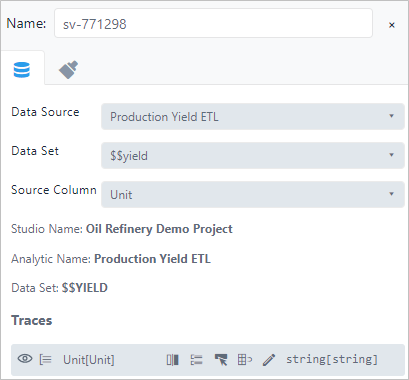
info
Visual objects of type CheckboxGroup require a SFHub Studio Analytic that exposes analytic variables of type SFHub Dictionary or SFHub List.