How the Interface Panel Works
The Interface configuration panel allows you to view and change the interface's parameters exposed by the SFHub Studio analytics that are linked to the visual objects.

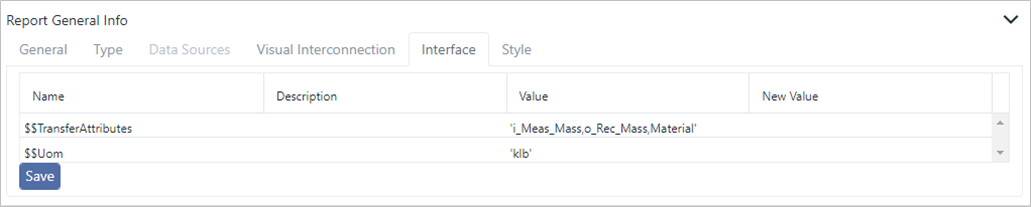
The listed information (Name, Description and Value) is based on the 'Interface' SFCodeBlock parameters configured in the SFHub Studio Analytic see the Interface SFCodeBlock in the SFCodeBlocks Reference Guide see Interface under SFCodeBlocks Reference
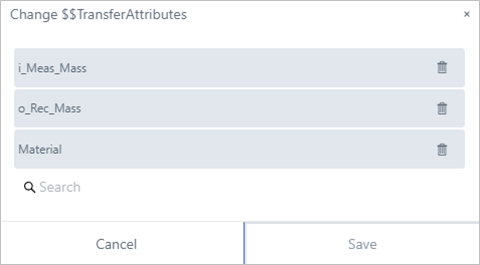
When 'New Value' is clicked on, the column opens a panel allowing you to customize the interface parameters.