Install the SQL Access Client Kit
To install the SQL Access Client kit:
Navigate to the Sigmafine SQL Access Client .exe executable file.
Right-click on the file and run it as an administrator.
The Installation Welcome window opens.
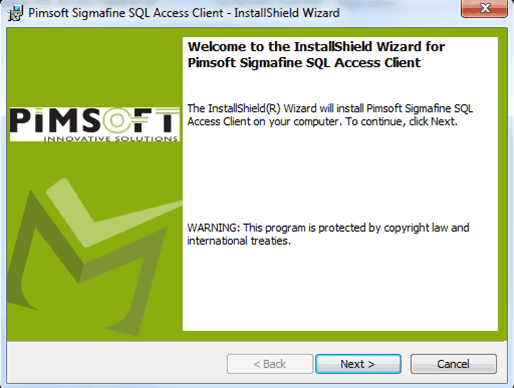
Click Next to open the License Agreement window.
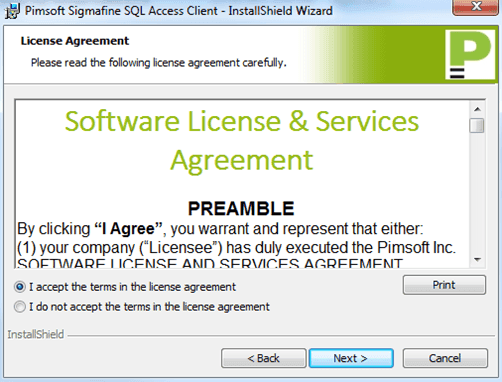
After reading through the License & Services Agreement, select the I accept the terms in the license agreement option.
You can click the Print button to print a copy of the agreement.
Click Next to open the Customer Information window.
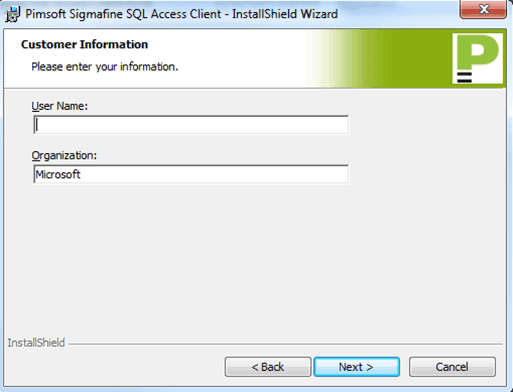
In the User Name box, type the sign in name for the user of this client.
In the Organization box, type the name of your company or organization.
Click Next to open the Destination Folder window.
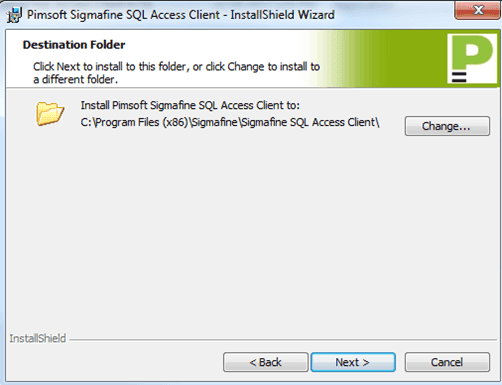
(Optional) To change the folder from the default location, click the Change button.
This action opens a standard Windows Explorer window in which you can locate and select the folder for the Client Kit installation.
Click Next to open the Ready to Install the Program window.
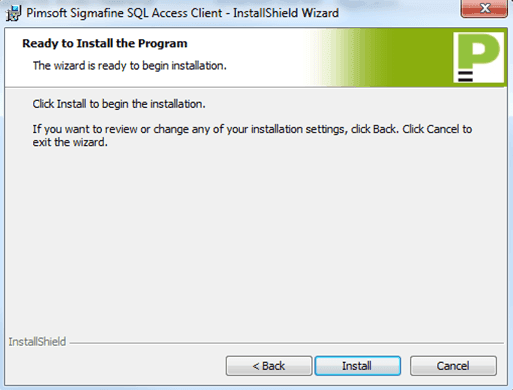
The installation begins.
Note: For the SQL Access Client’s installation directory, the folder must have full 'read/write' privileges for all users. The installation automatically gives these privileges to the directory you choose during the setup. However, if you move the files to a new directory later, you will have to manually assign the' read/write' permissions to the folder containing the application.
When the installation finishes an install completed window opens.
Click the Finish button to close the window.
Repeat the above steps for each client on which you need to install the Client Kit.
Once finished with all the client kit installations, install the Server Kit following the instructions under Installing the SQL Access Server Kit.