Changing Element Symbols
You can change the symbol associated with an element, to more easily differentiate them visually.
To associate a different symbol with an element:
In the display, right-click on the element.
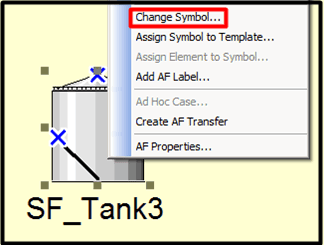
Select Change Symbol, as shown in Figure 922.
The Change Symbol window opens.
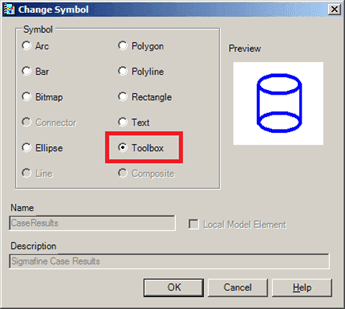
Under Symbol, select the Toolbox option.
Click OK to save your selection and close the Change Symbol window.
You are returned to the display.
Double-click on the symbol, to open the Symbol Library.
Select a symbol from the library and click OK.
In our example, we have selected 'Very Smooth Tank 2' as the symbol we want to represent the selected element.
The new symbol now represents the Element in the display.
 EXAMPLE: New symbol representing selected element
In the following example, the Element that we had selected in step one is now represented by the symbol we selected in step 6.
