Assigning Elements to Symbols
It is possible to assign an Element to a specific symbol. You can do this in both Models and ProcessBook displays, and the AF Properties window will then automatically display the Element when you select the symbol. This also gives you access to shortcuts (AF Context menu functions), such as adding an Attribute value.
To assign an Element to a symbol:
In the display, right-click on the symbol to which you want to assign an element.
Select Assign Element to Symbol.
The Assign Element window opens.
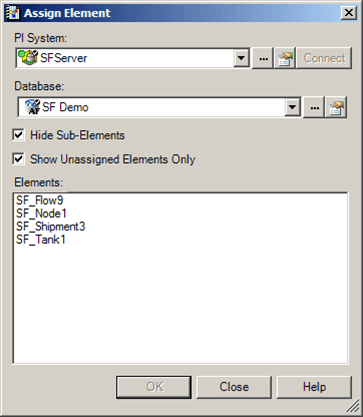
In the Elements list, select the Element that you want to assign.
Click OK to save your selection and close the Assign Element window.