Renaming an Existing Strapping Table in the Database
If a strapping table with the same name already exists in the database and you would like to keep its current data, it must be renamed before importing the updated strapping table.
To rename a strapping table that already exists in the database:
Open System Explorer.
In the navigation pane, click on Library.
In the Library list, click on the Tables tree.
Search for and select the existing strapping table.
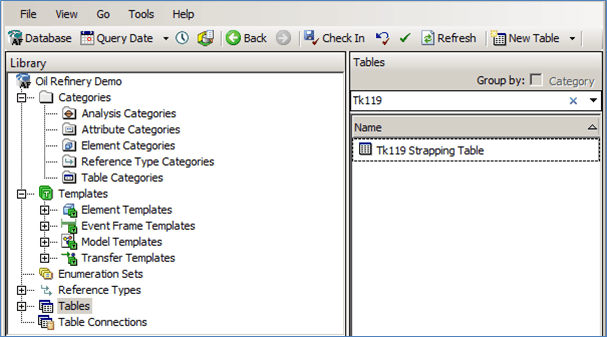
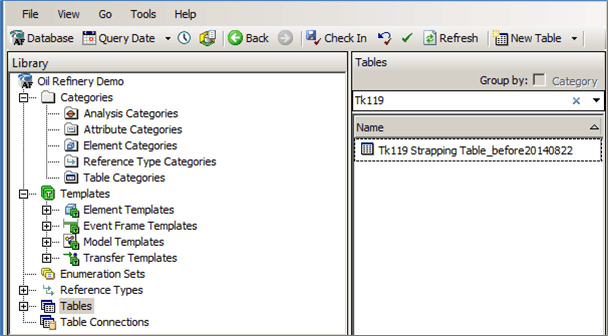
Rename the existing strapping table.
Note: If you don't want to save the data in the existing strapping table, you can just delete the table prior to importing the new strapping table that has the same name.