View Configured Severities
The list of configured workflows requires to select the SFHub Studio Project on which workflows have been configured on. The list will show all the workflows that are using the SFHub Studio Analytics defined in the selected SFHub Studio Project.
To view the list of severity configurations:
Click the
 Settings icon in the command bar, to open the Settings page.
Settings page

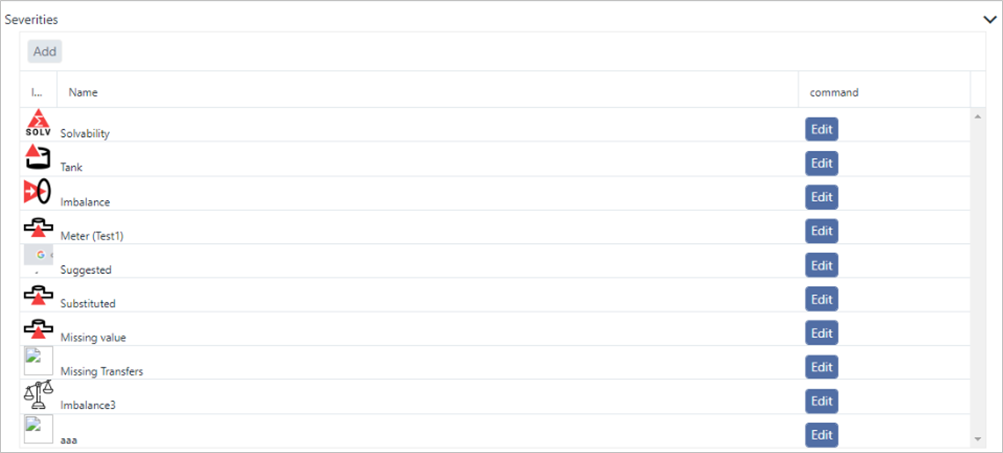
Click on Severities to open the Severities panel.
Severities panel
 info
infoCurrently, there is no way to see the configuration of the workflow. You can however, see the configured steps by selecting the workflow from SFHub Visualizer.