Modify a Severity
You can modify a severity by changing its icon only. If you need to change its name, you have to create a new severity with the new name.
To modify a severity configuration:
Click the
 Settings icon in the command bar, to open the Settings page.
Settings page

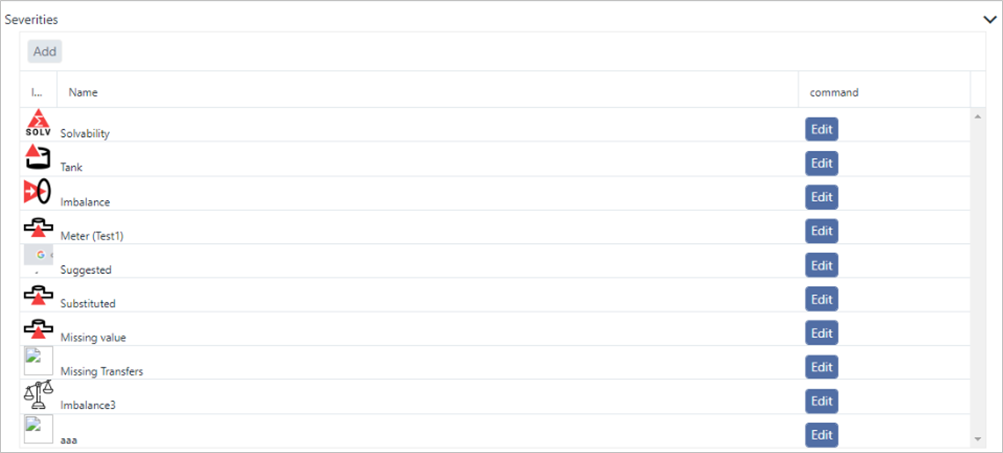
Click on Severities to open the Severities panel.
Severities panel
 info
infoCurrently, there is no way to see the configuration of the workflow. You can however, see the configured steps by selecting the workflow from SFHub Visualizer.
Locate the severity for which you want to change the icon.
Click the Edit button in the that severity's row.
An Edit Severity panel opens.

Click Choose File and select the image file you want to use.
Click Upload to upload and store the image and save the defined severity.