Running the First Case
To run the first Case of the analysis:
After having imported the data for this first case, Collect Inputs can be performed.
Collect Elements is done automatically when the Case is created, and Collect Transfer is executed together with 'Collect Inputs'.
For each inventory, the initial mix of components is required.
For subsequent cases, the mix will be predicted based on the flows and transfers to and from the inventory.
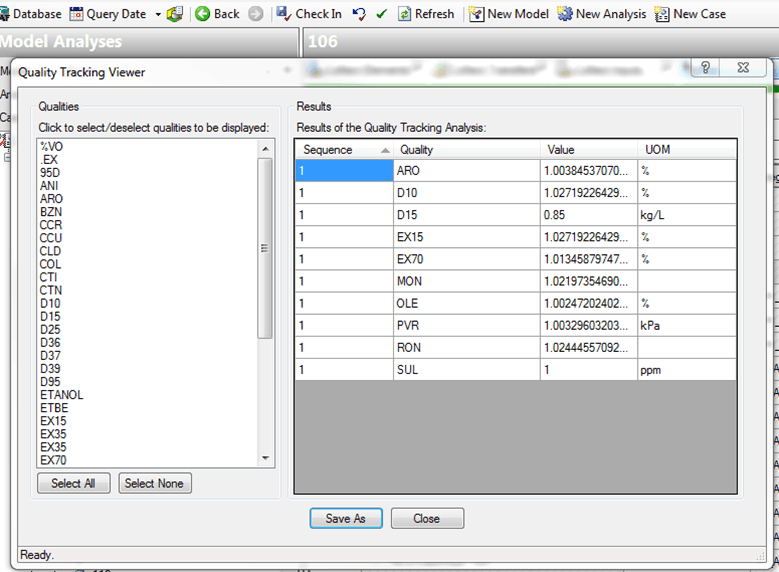
For an easier view, filtering, and editing of the data tables, the Quality Tracking Viewer data reference can be configured for the Quality Tracking Result data table. See The Quality Tracking Viewer for more details about using the Viewer.
 EXAMPLE: Configure Data Reference