View Registered Packages and Projects
You can open the Packages panel to view the list of registered SFHub Studio Packages and their related information. You can also drill-down into each package to see all projects created from a Package (see View Studio Projects Created from a Package for further details about the Projects).
To access the registered package's list, SFHub Studio Basic access must be granted to you by your SFHub Administrator.
To view the registered packages:
Open the SFHub Studio Basic app if not already open. (See Getting Started for instructions).
The Studio Basic 'Settings' page appears.
SFHub Studio - Settings
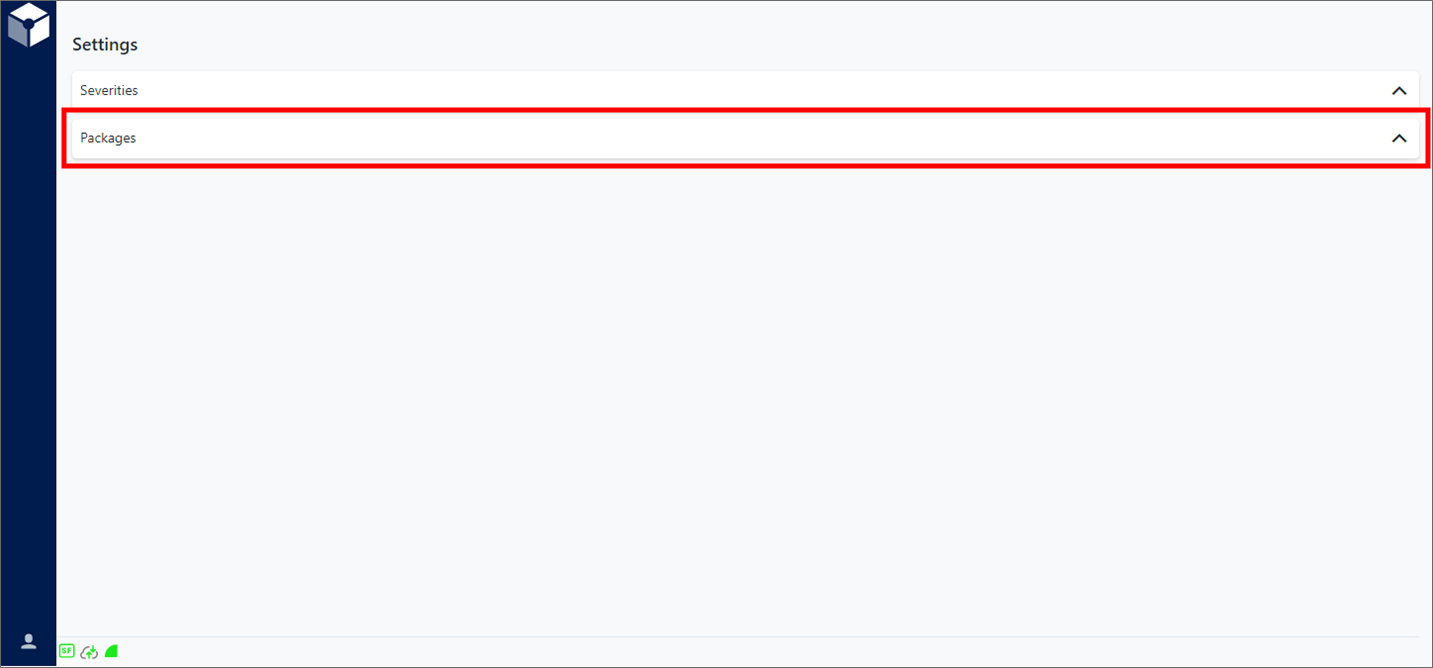
Settings is the "main page" for the Studio Basic app.
Click Packages on the Settings page, to expand the Registered Packages panel.
Registered Packages panel

By default, all registered Packages are listed from newest to oldest, with the following information displayed in column format with buttons for creating and unregistering packages.
Column/Button Description Company Displays the name of the company that created the package. Name Displays the name of the package. Description Displays the package's description and summary of its scope. Release Date The date on which the package was released (when it had been created by the company). Release Version Displays the package's version number. License Type Displays the type of license bound to the package. Registered On Displays the package's registration date and time on your SFHub system. Registered By Displays the SFHub user who registered the package. Unregister The Unregister button in the 'Command' column allows you to unregister the package. Create The Create button in the 'Command' column allows you to create a SFHub Studio Project from the selected package.
See View Studio Projects Created From a Package for instructions on how to view the created Projects.