Unregister Studio Projects Created From a Package
If you have been granted the StudioPackageAdmin or StudioPackageUnregister claims, and you select a Package from which no Studio Projects were created, a recycle bin icon appears in the Package row. The icon indicates that the Package should be unregistered, since there are no Projects created from it.
To unregister the Package:
Open the SFHub Studio Basic app if not already open. (See Getting Started for instructions).
The Studio Basic 'Settings' page appears.
SFHub Studio - Settings
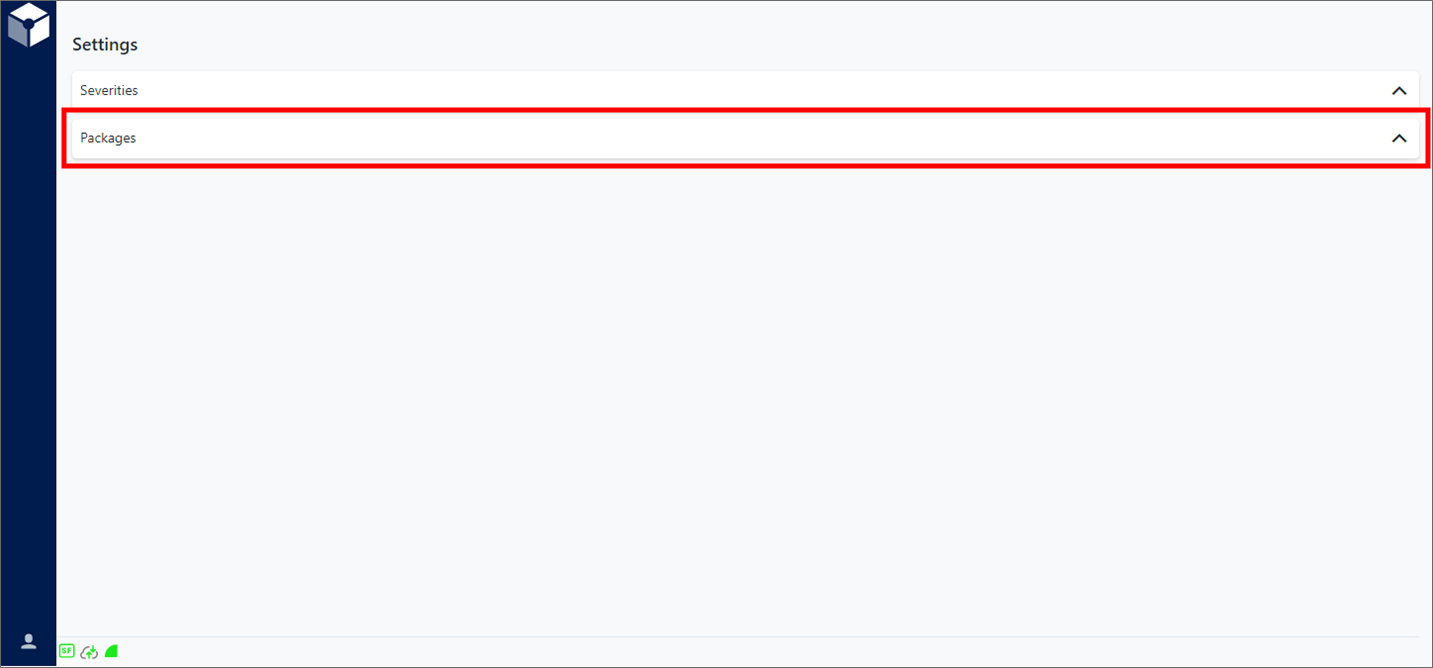
Settings is the "main page" for the Studio Basic app.
Click Packages on the Settings page, to expand the Registered Packages panel.
Registered Packages panel

Click on the Unregister button of the Package with the recycle bin icon (as shown in the following figure).
Registered Packages - Unregister button

An Unregister Package window opens in which you are asked to confirmthe process.
Unregister Package window
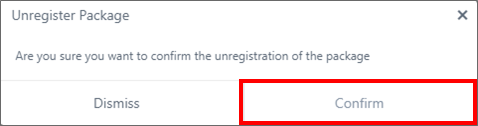
Click Confirm to initiate the unregistering process.
In case of errors, a window opens showing the error (as shown in the following figure) otherwise, the Registered Package list is updated (the Package is no longer on the list).
Possible Unregister error message
