View Studio Projects Created from a Package
The Registered Packages panel lets you view the Projects created from a Registered Package, by allow you to expand the Package.
While every user can see all Studio Projects created from a Package, your ability to view a specific project's content is controlled by these current access control rules:
You are the creator of the Studio Project
The Studio Project is shared with you
If you meet either one of these rules when you choose a Project, you can also view its content.
To view a Package's created Projects:
Open the SFHub Studio Basic app if not already open.
The Studio Basic Settings page appears.
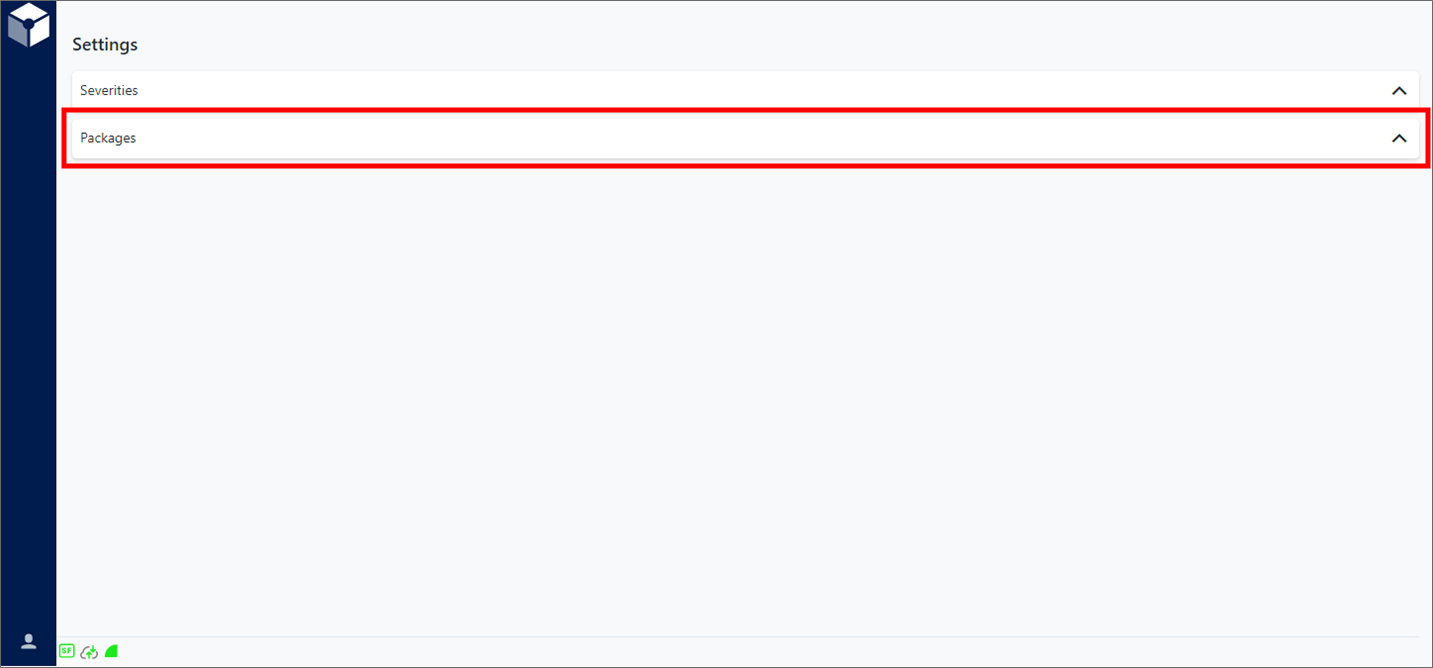
Settings is the "main page" for the Studio Basic app.
Click Packages on the Settings page, to expand the Registered Packages list.

Click the Package's
 (Expand) icon to display the list of all Projects created from
the Package.
(Expand) icon to display the list of all Projects created from
the Package.Expanded list of Projects created from the selected Package

By default, all Projects are listed from newest to oldest, with the following information displayed in column format.
Column Description Name Displays the name assigned to the project. Description Displays the project's description. Created By Displays the name of the SFHub user who created the project. Created On Displays the date and time that the project was created. Path Displays the Sigmafine context at which the project is bound. Share mode Displays the share mode assigned to the project. noteWhen a Project is created from a Package, the Share mode is set to Public.
The Studio Project name is printed as a hyperlink that allows you to view the content of the created Project (Analytics, Reports and Workflow) when clicked. This operation is like selecting and opening a project from SFHub Studio.
(Optional) Click on the project name link.
A new tab opens, displaying the content of the created Project (Analytics, Reports , and Workflow). This operation is like selecting and opening a project from SFHub Studio.
noteThis feature is available only if your company has a current, valid SigmafineHub Studio license, and you are either the owner of the created Project, or the owner has shared the Project with you.