Delete a Workflow
When a workflow is no longer needed, you have the ability to delete it.
To delete a workflow:
Click the
 Settingsicon in the command bar, to open the Settings page.
Settings page

Click on Workflows to open the Workflows panel.
Workflows panel

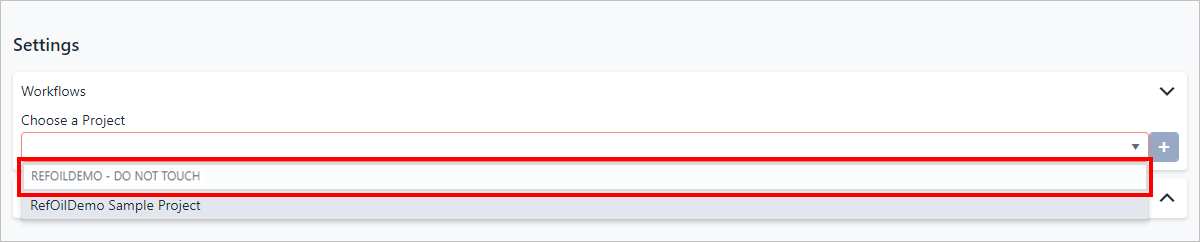
Click in the Choose a Project box, and select the project containing the workflow you want to delete.
Choose the Project
A table opens showing the workflows in the selected project.
**<sup>Workflows in the selected project</sup>**<br />

Find the workflow you want to delete, and click Remove.
You are asked to confirm the removal.
Click Delete.
The workflow is removed from the project's workflows list.