SigmafineHub® Studio Package Build
Package Builder Action
Package are created from studio projects page.
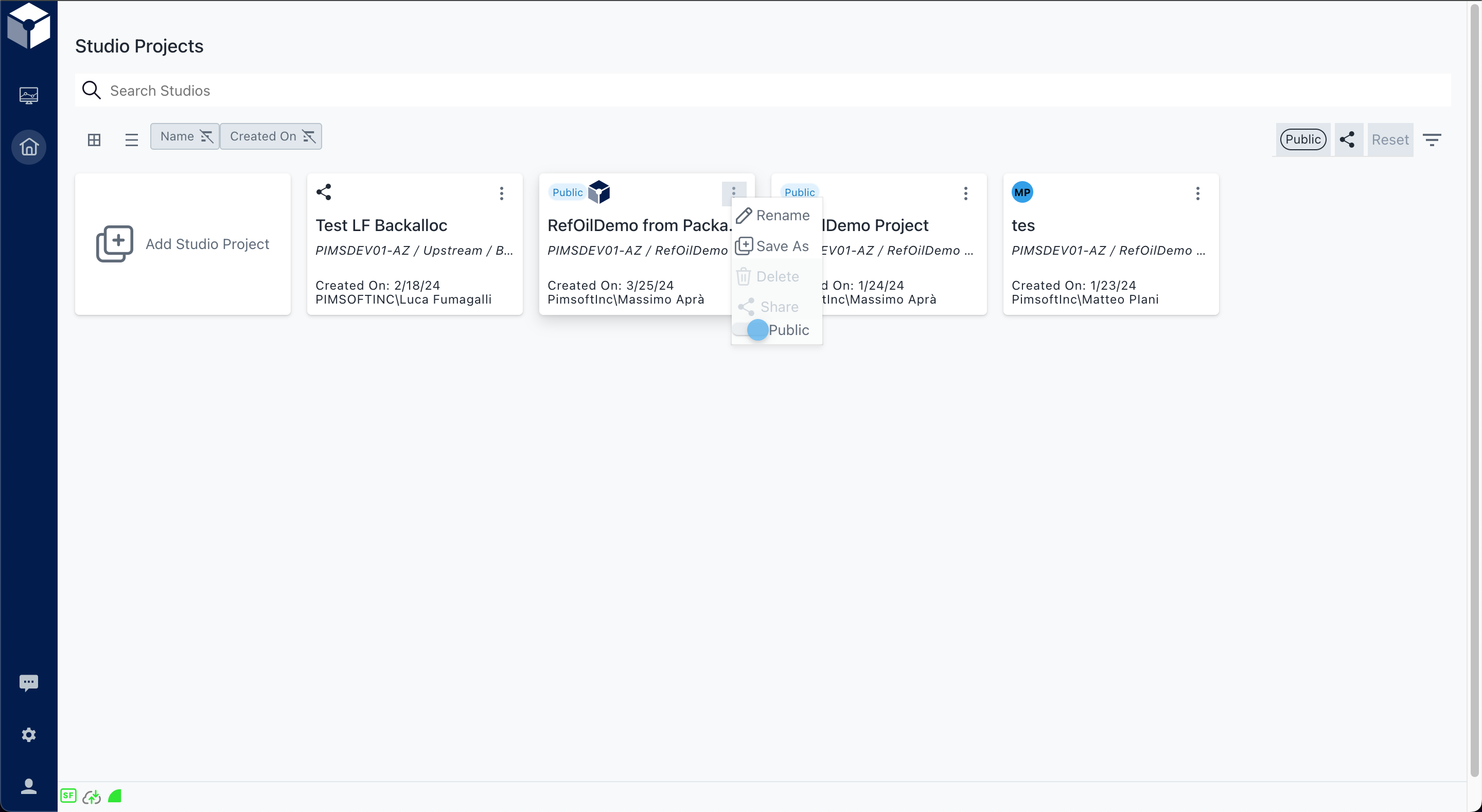
In case the StudioPackageAdmin claim is NOT granted, the new menu item is shown only if the user owns the studio project
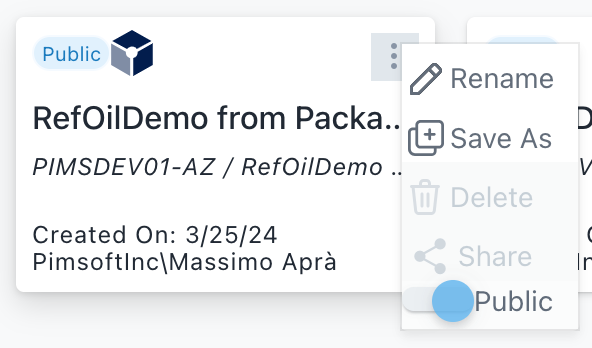
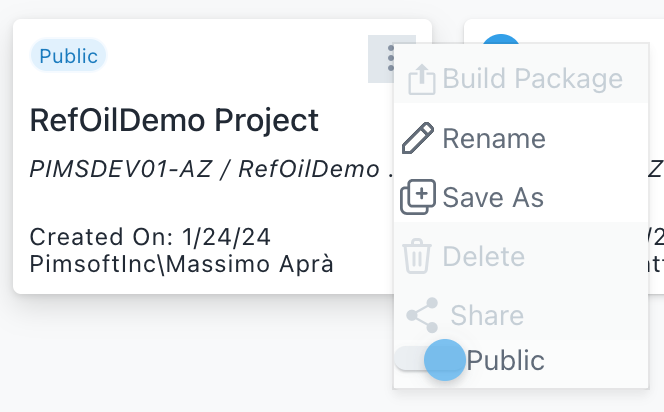
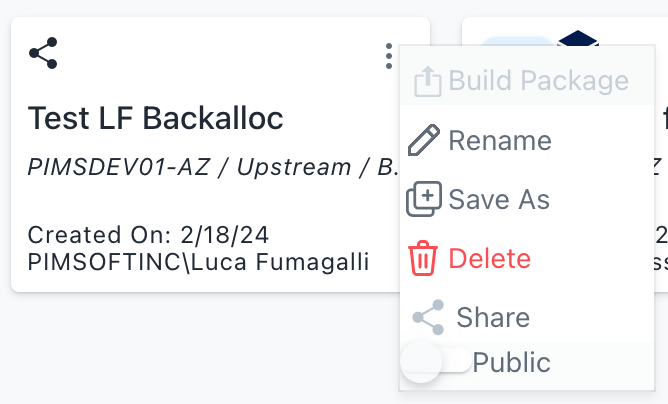
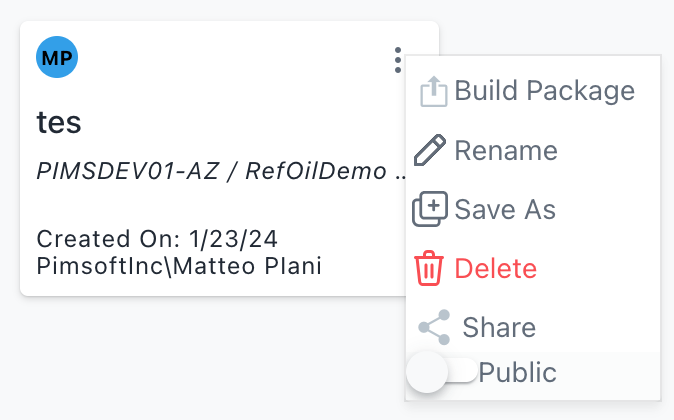
From the studio project menu (ellipsis) choose the Package builder option. Selecting this new menu item a form will show up. The new menu item will be shown only if StudioPackageAdmin or StudioPackageBuild claims are granted to the user.
| Package | Public | Shared | Owned |
|---|---|---|---|
 |  |  |  |
Package Builder Form
List builded packages
The package builder form will list all packages eventually created with this studio project and will enable the creation of a new one. Below list of supported functions:
List of all built packages (from the specific studio project)
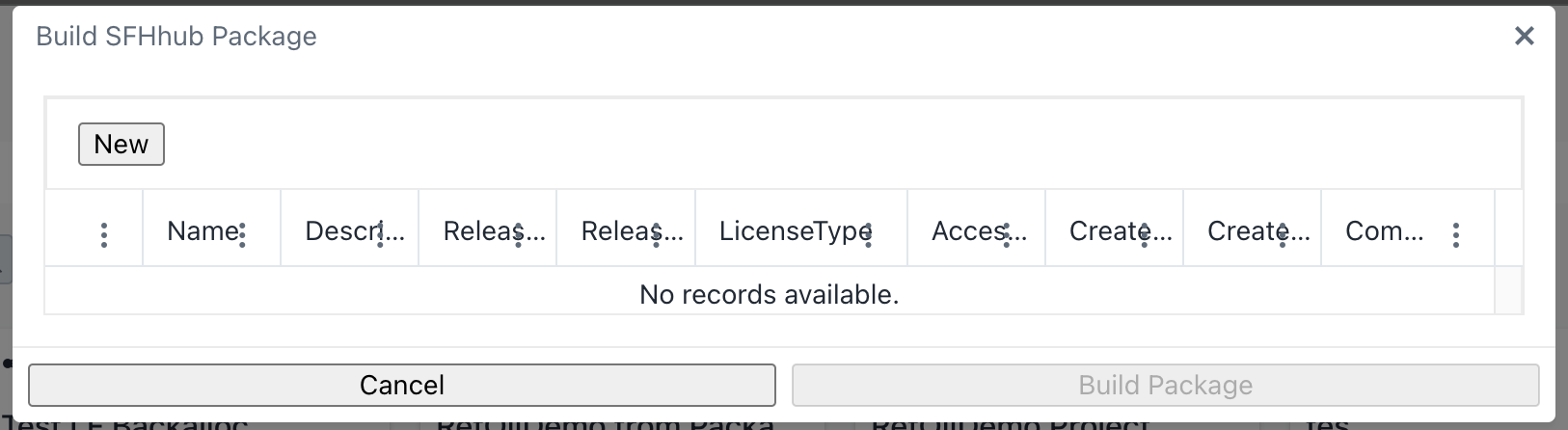
The form will provide a list of created package (sorted by default newer to older)
| Status | Name | Description | Rel.Vers. | Rel. Date | License type | Access control | Created By | Created On | Commands (Icon) |
Build a new package
The New Package button IS ENABLED if the project is owned by the user or the project is public [or the project is shared in Write] and the project has not been created from a Package
The "NEW" button is located on the top of the list
Clicking the “new package” button the form automatically fills in some mandatory fields, below the form content
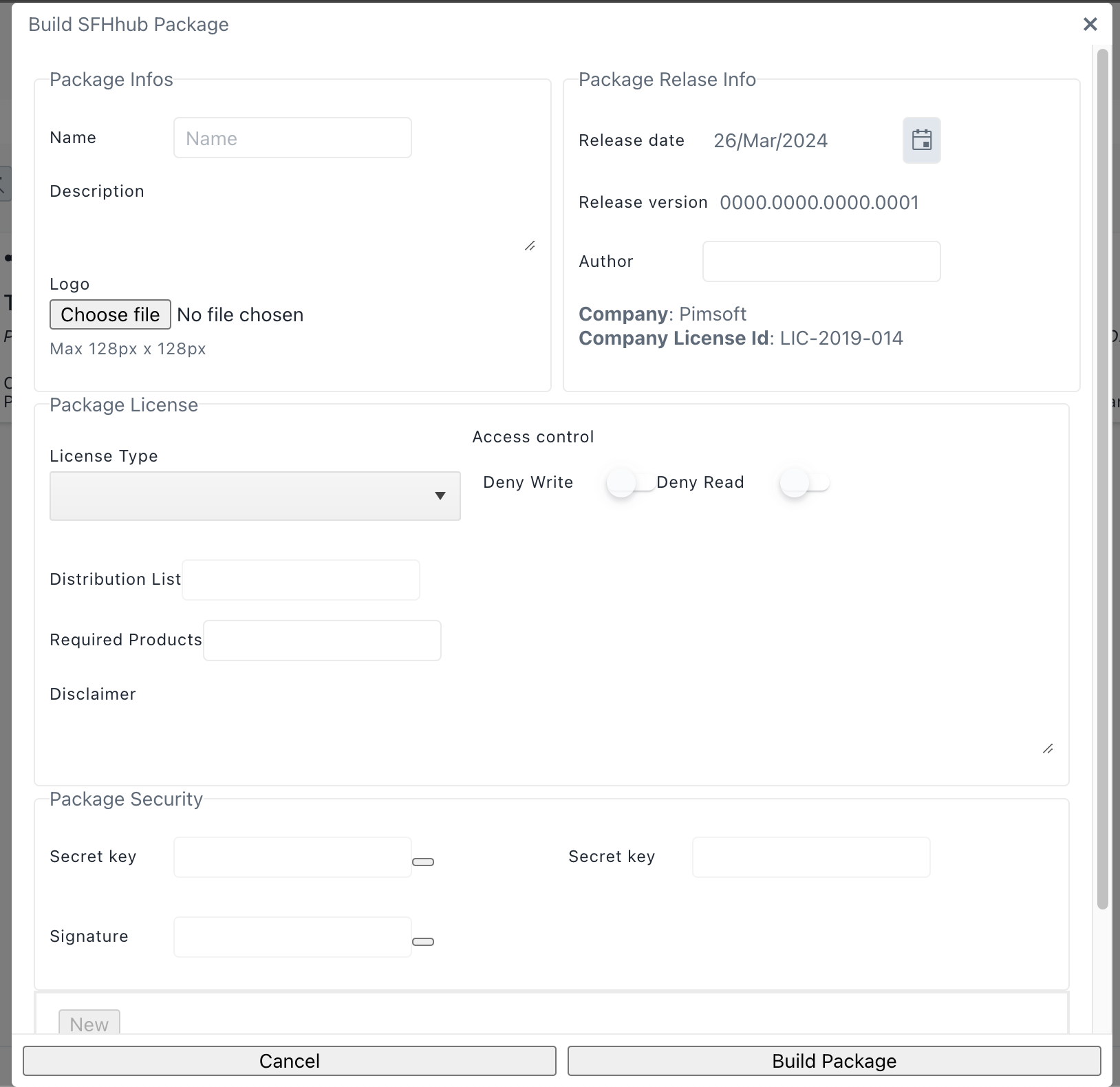
Building a package requires the StudioPackageAdmin or StudioPackageBuild claim granted to the user. The user is requested to fill all the mandatory fields and then to confirm the action
| Field | Type | Automatic | Can be edited | Note |
|---|---|---|---|---|
| Author | Mandatory | No | Yes | |
| Company | Mandatory | Yes | No (?) | Contain the Licensee name Function |
| Company License Id | Mandatory | Yes | No (?) | Contain the License ID of the company |
| Name | Mandatory | No | Yes | Package name (Max len 256) |
| Description | No | Yes | Description (Max len 1024 ) | |
| Release version | Mandatory | Yes | Yes | If it can be edited we must check that is not a downgrade Format: x.y.z.k |
| Release date | Mandatory | Yes | Yes | Date Format: mm/dd/yyyy |
| License Type | Mandatory | No/Yes | No/Yes | The drop down will be initialized with all allowed types and set to default (Open Source) |
| Access control | Mandatory | No/Yes | No/Yes | Enabled only if License Type is not Open Source When other license types are selected user may set disable the access in Read and/or Write |
| Disclaimer | No | Yes | Free (Max len 2048) | |
| Distribution List | Mandatory if License Type=License | No | Yes | List of licenses Id that can register the package |
| Signature | Mandatory if License Type=License | No | Yes | Enabled Only if License type = License. A registered signature that uniquely identifies the author (company) who created the package. User has to enter the signature Key (eventually provided by Pimsoft) |
| Secret key | No | Yes | Disabled if License Type = Open Source | |
| Original Studio Project Name | Mandatory | Yes | No | Studio Project Name From the current Project |
| Original Studio Reference | Mandatory | Yes | No | Server Database [ Model Analysis ] |
| Logo | No | No | Yes | |
| Required Products | Mandatory | No | Yes | Required products list (example : ADA) |
If the package is successfully built the list of packages is refreshed
In case of errors, a dialog will show the error message (confirmation only), and the list of packages is refreshed.
The status column will contain icons showing the status of the package