Enable the Navigation Between Displays
Once you have created sub-displays, they are represented in the Model display by blue squares, as shown in the following figure.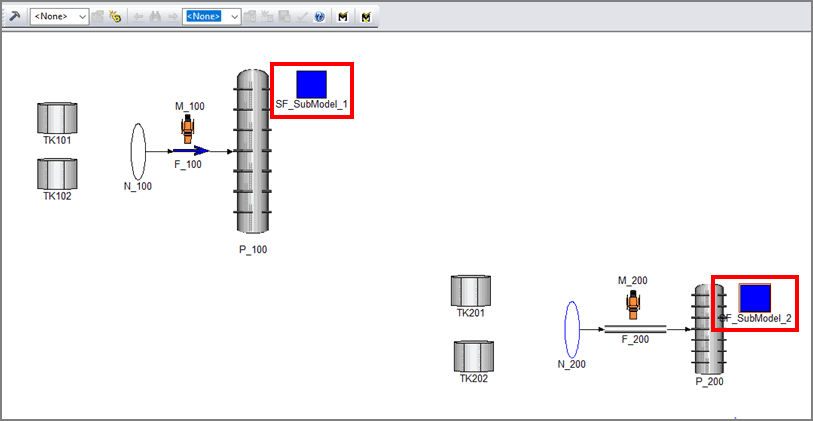
The blue squares allow you to open the sub-displays when in Run mode.
To open a sub-display:
While in Run mode, double-click on the blue square of the sub-display you want to open.
The following message window opens.

Click Yes to open the sub-display and close the message window.
Note: The name of the .PDI file containing the display should be named according to the name of the referenced sub-model (e.g. for 'SF_SubModel_1' the expected file is 'SF_SubModel_1.PDI').
When moving between displays, the Sigmafine Modeler takes care to preserve the Case context that the user is working in. This means that when the user is working on a specific Analysis Case and moves to a sub-Model display, the same Analysis Case will be maintained on the activated display.