Installing Quality Tracking
To install Quality Tracking:
Run the
Sigmafine Quality Tracking.exefile as Admin.The Welcome window opens.
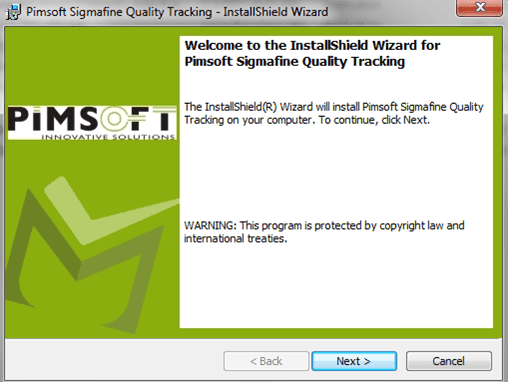
Click Next to open the License Agreement window.
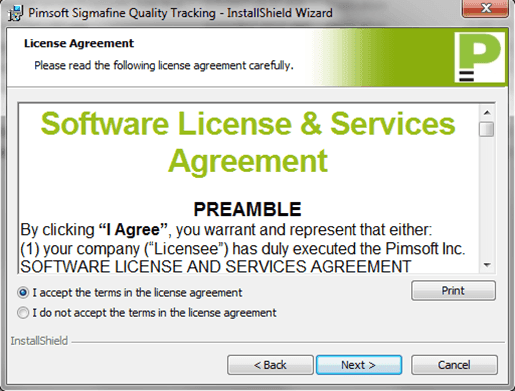
Select the I accept the terms in the license agreement option.
Click Next to open the Ready to Install the Program window.
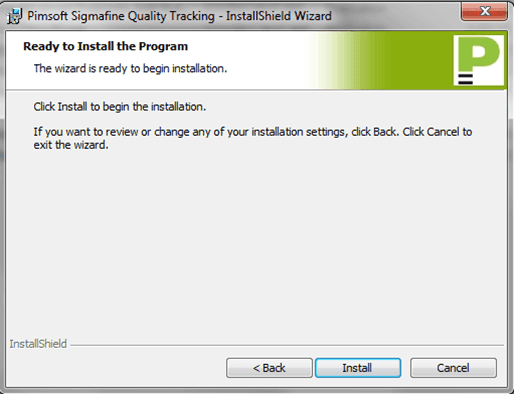
Click the Install button to being the installation.
The installation runs. Once completed, the Completed window opens.
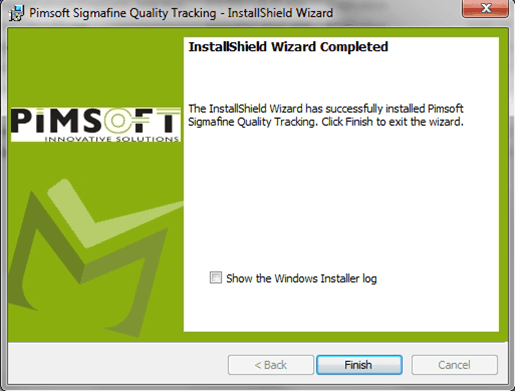
Click the Finish button to close the installation wizard.
The Sigmafine LoadLibrary Utility window opens. For instructions on this utility, see Sigmafine Load Library Utility.