SFHub Syntax - Studio
Studio expressions can combine operators, special operator and variables, as well as Boolean expressions and literals. Though, Studio expressions cannot use Connection operators, and they do not support simplified syntax (see the SFHub Attributes of Type Table section).
[Literal] [Literal] [Expression] [Special operator]
| Expression | Description |
|---|---|
| Literal | Search for all element names, element template names and category names matching the literal. |
| Expression (Condition or Boolean Expression) | Search for all elements whose attributes match the conditional expression. |
| Special Operator | Search for specific conditions such as Baddata, Adjusted values, etc. Only one Special operator per sentence is supported. |
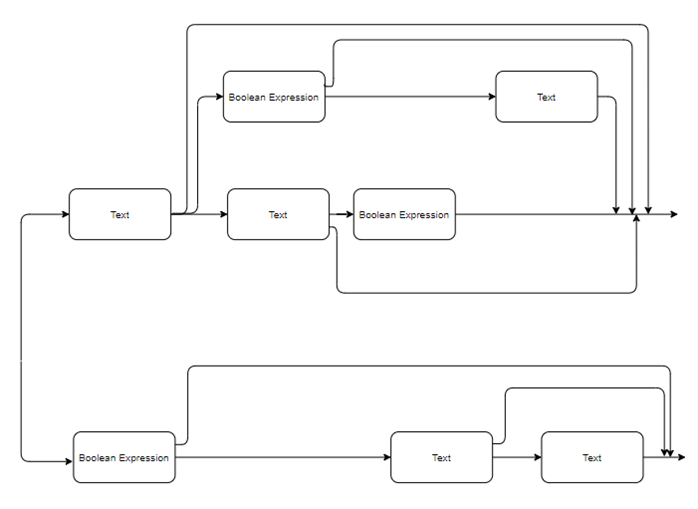
The following graph depicts the overall syntax (notice that the special operator is not in the graph)
Overall syntax graph