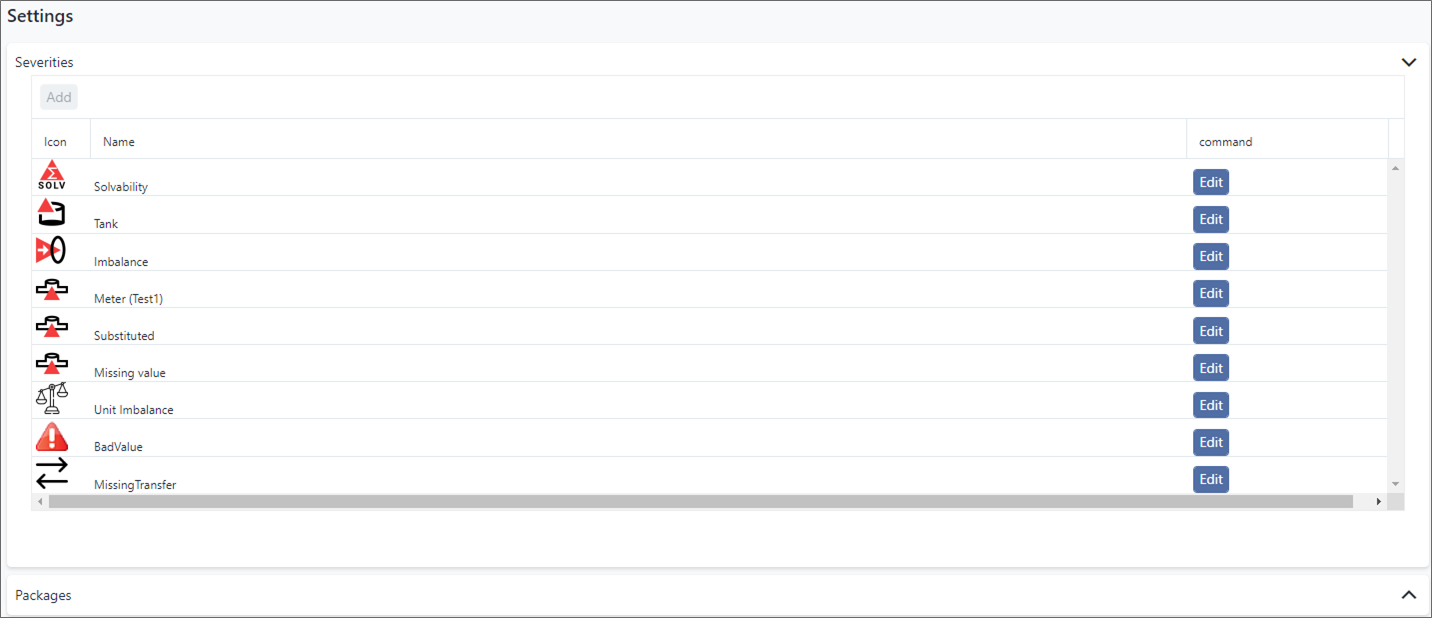
View Configured Severities
In Studio Basic, you can view all the severity classifications assigned to the messages generated by SigmafineHub Studio Analytics.
note
You cannot create new severities to use in your SigmafineHub Studio Analytics. The ability to create new severities is only available if you have a SigmafineHub Studio license.
To view the configured Severity classifications:
Open the SFHub Studio Basic app if not already open. (See Getting Started for instructions).
The Studio Basic 'Settings' page appears.
SFHub Studio - Settings
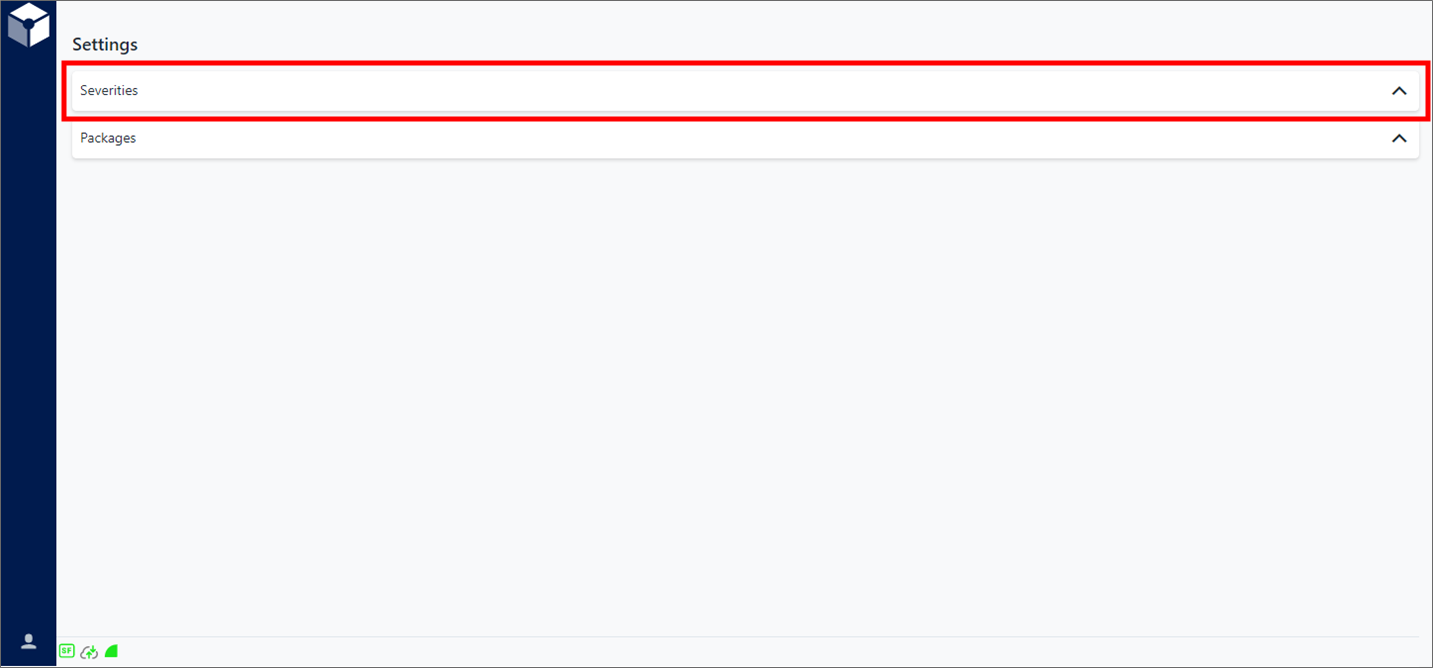
Settings is the "main page" for the Studio Basic app.
Click Severities (as shown in Figure 1) to expand the Severities panel (shown in the following figure).