Modify a Severity
In Studio Basic, you can only modify the image that is associated with a severity. This is accomplished by changing the severity's icon.
If you need to change the name of a severity, you are required to have a SigmafineHub Studio license. If you have the required license, you can change the name only by creating a new severity with the new name.
To modify a severity (change its icon):
Open the SFHub Studio Basic app if not already open. (See Getting Started for instructions).
The Studio Basic 'Settings' page appears.
SFHub Studio - Settings
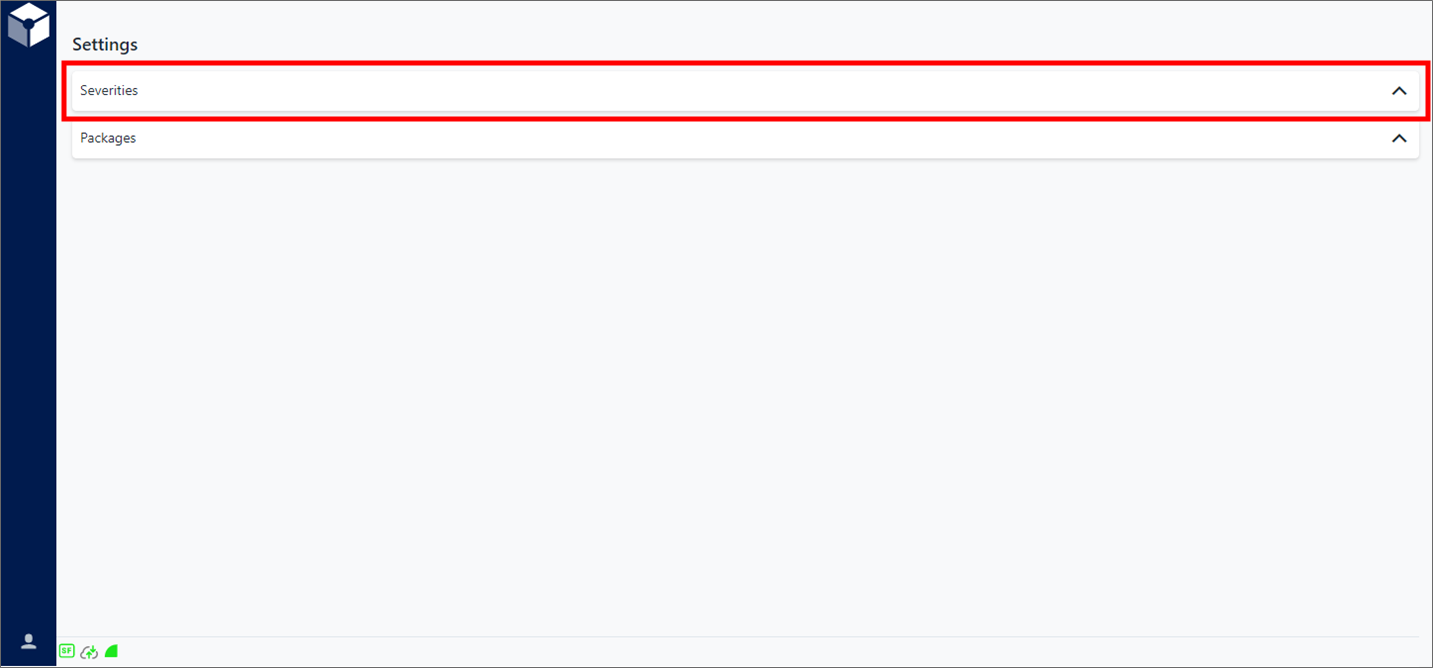
Settings is the "main page" for the Studio Basic app.
Click Severities on the Settings page, to expand the Severities panel.
Severities panel
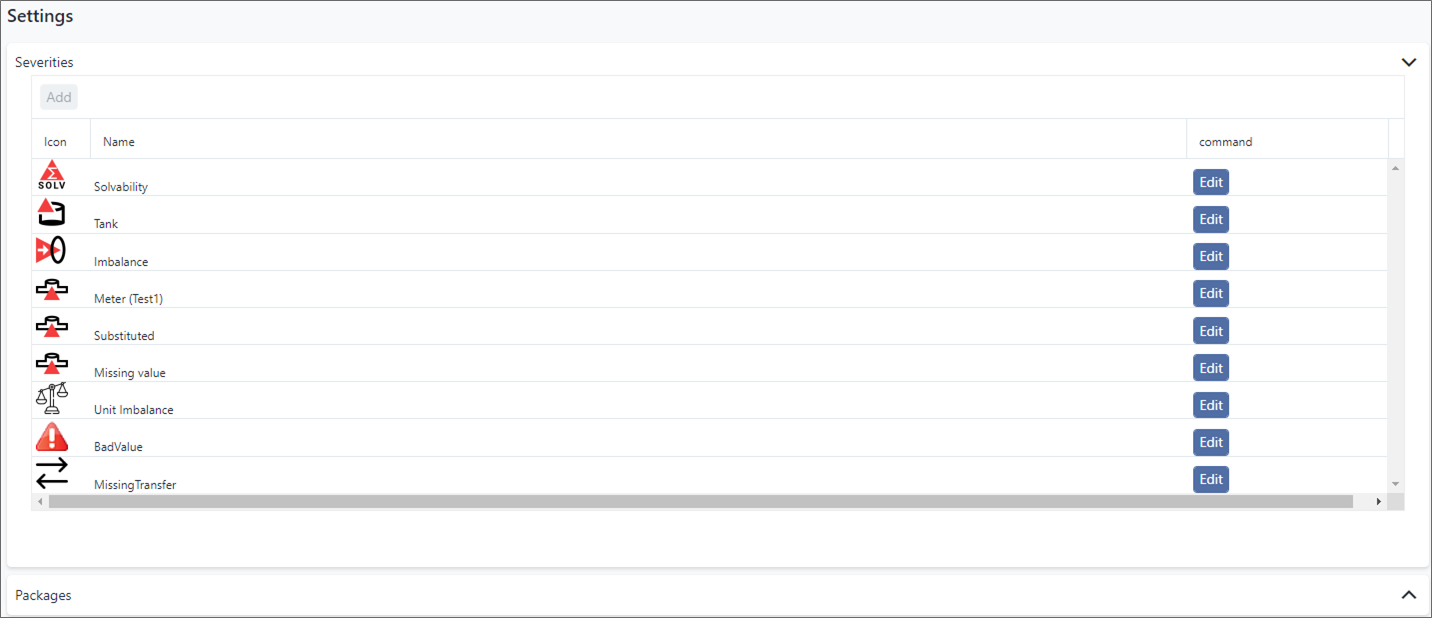
Click on the Edit button of the severity you want to change the icon for.
The Edit Severity window opens.
Edit Severity window

Click the Choose File button and select the image file you want to use.
Click Upload to upload the image and save the defined severity.