Starting and Stopping the OEM PI Server
The Sigmafine server houses a Sigmafine server, PI AF server and a OEM PI Server. These servers must be running. In addition, the AF Server database is housed on a SQL server. The SQL server must also be running.
To start or stop the services, navigate to the physical files. They reside:
- To start the OEM PI server, run this file ®
\Program Files\PI\ADM\PISRVSTART.BAT - To stop the OEM PI server, run this file ®
\Program Files\PI\ADM\PISRVSTOP.BAT
Note: Ensure that you use Run as Administrator to execute the files.
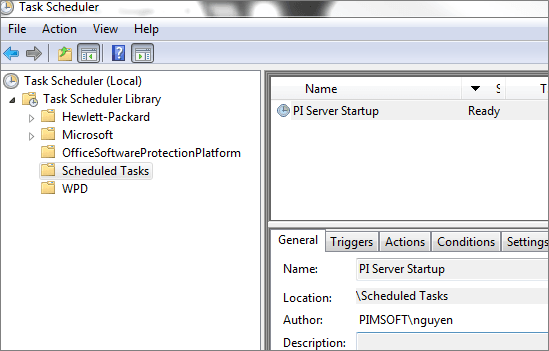
In order to have an automatic restart of the system after the system shutdown, the 'PISRVSTART.BAT' should also be scheduled as part of system start-up in the ScheduledTask applet, as shown in Figure 41: