Installation Procedure
This \topic discusses the server installation that will allow you to run the Sigmafine Tank Monitoring Option solution successfully.
To install the Sigmafine Tank Monitoring Option:
Log onto the designated machine with using an administrative account.
Close all running applications.
Open a Windows Explorer window and Browse to the location where you saved the Sigmafine IMM Monitoring Option 4.7 SP1.exe executable file.
Right-click on the Sigmafine IMM Monitoring Option 4.7 SP1.exe file and select Run as administrator.
The installation Welcome window opens.
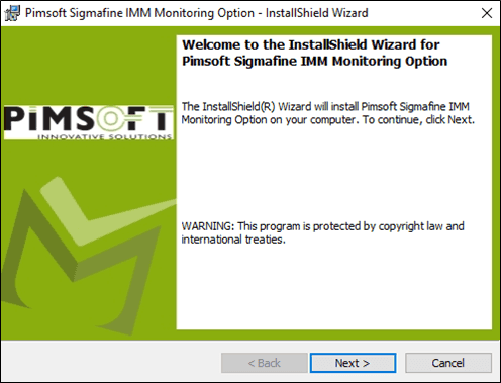
Click Next to open the License Agreement window.
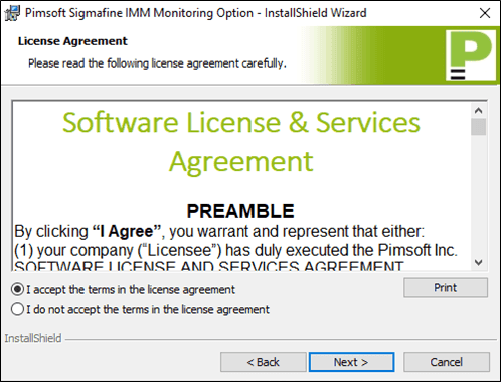
Select the I accept the terms in the license agreement option.
Click Next to open the Destination Folder window.
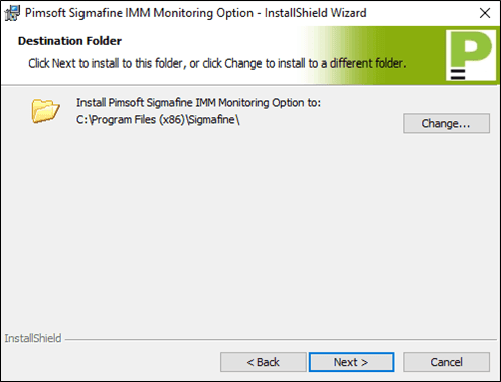
This is the folder in which the application files are to be installed.
To use the default folder, do nothing.
To change the destination folder, click the Change button to select an alternate folder.
Click Next to open the Ready to Install the Program window.
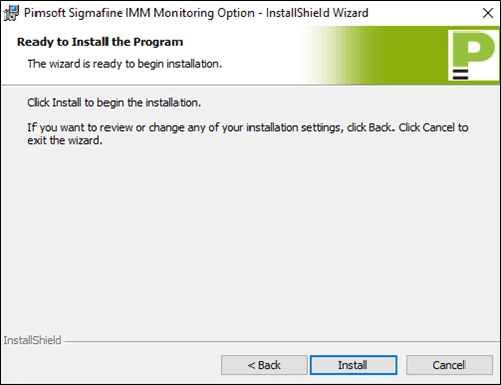
Click the Install button to initiate the installation.
An Installing window opens showing the installation's progression.
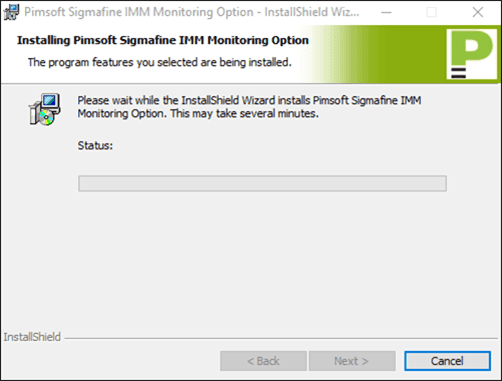
When the installation finishes, click Next to open the Installation Completed window.
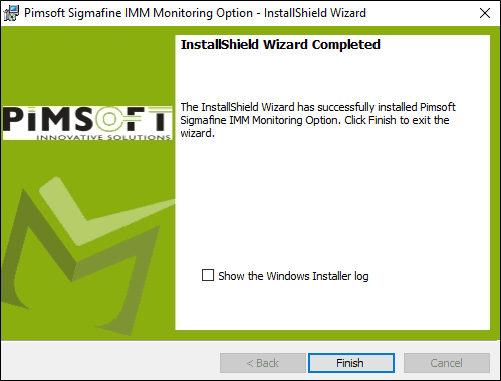
Click Finish to close the page and end the setup.
Use the PI System Explorer tool to verify the correct registration of the Sigmafine Tank Monitoring Analysis Rule plug-in, as shown in the following figure.
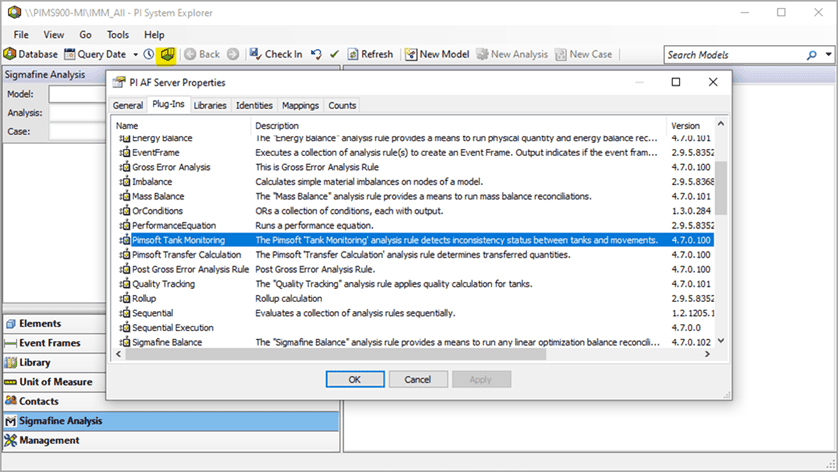
The next step in the process is to install the license for the plug-in. \See Install the License for instructions.