Installation Procedure
The "Sigmafine IMM Advanced Reconciliation 4.7 SP1" setup kit installs the following components on the target machine:
- Pimsoft Sigmafine IMM Listener Windows service
- IMM Listener Configurator application
- Pimsoft Transfer Calculation Analysis Rule plugin
- Transfer Summary Data Reference plugin
To install the IMM Advanced Reconciliation extension:
- On the designated machine, close all currently running applications.
- Log onto the machine using an "administrator" account, or an account that has administrative privileges on the machine.
- Copy the license file to the following directories:
C:\Windows\System32\C:\Windows\SysWOW64\
Using Windows File Explorer, locate the Sigmafine IMM Advanced Reconciliation 4.7 SP1.exe file.
Right-click on the file and select to Run as administrator.
The installer Welcome window opens.
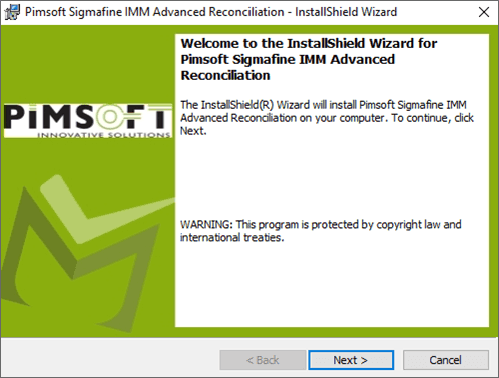
Click Next to open the License Agreement window.
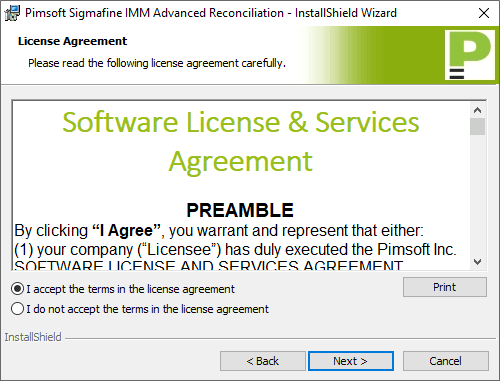
Select the I accept the terms in the license agreement option.
Click Next to open the Destination Folder window.
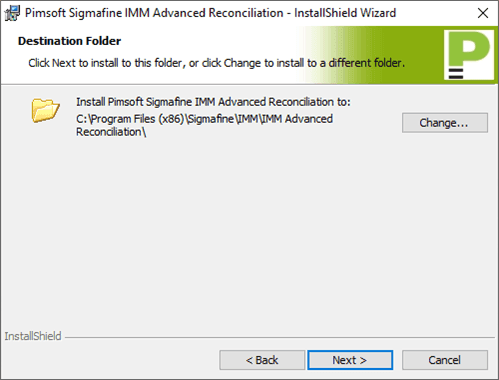
Use the default installation folder, or click the Change button to select a different folder for the installation.
Click Next to open the Ready to Install the Program window.
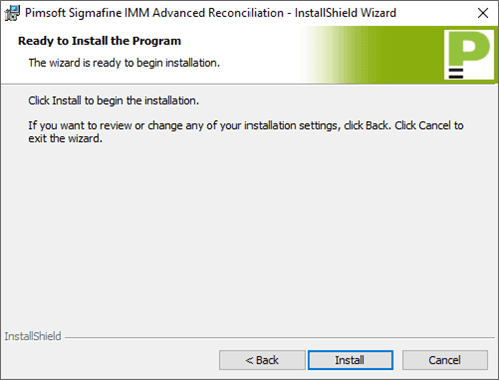
Click the Install button.
An installation progress window opens.
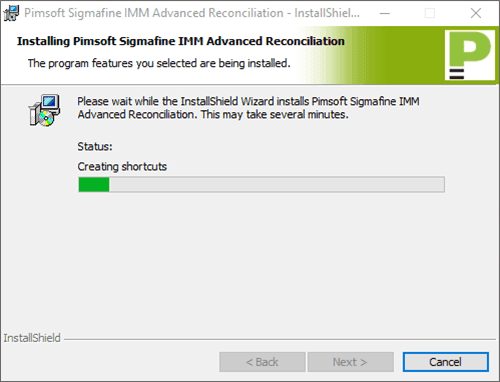
Once the installation has completed, a Completed window opens.
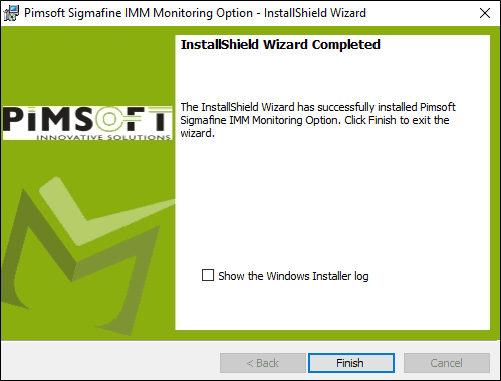
Click the Finish button to close the installation wizard.
Though not mandatory, you may want to verify that all the necessary components installed successfully. Please refer to Verify the Installation for further details.