Step-by-Step Installation Process
To install the SFVisualizer Extension:
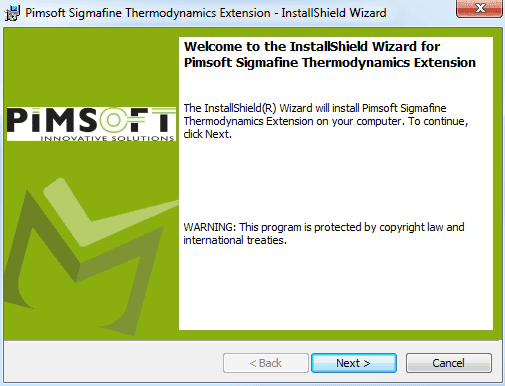
- Run Sigmafine Thermodynamics.exe as "Admin" and click Next.
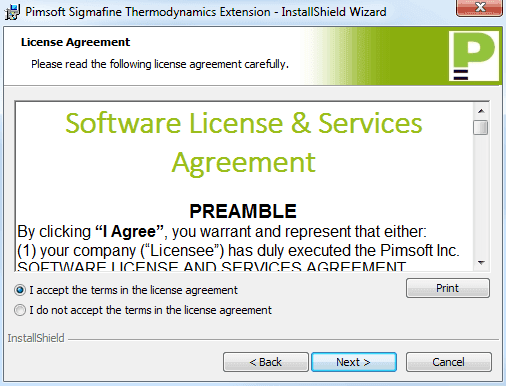
- Accept the License agreement to continue with the installation.
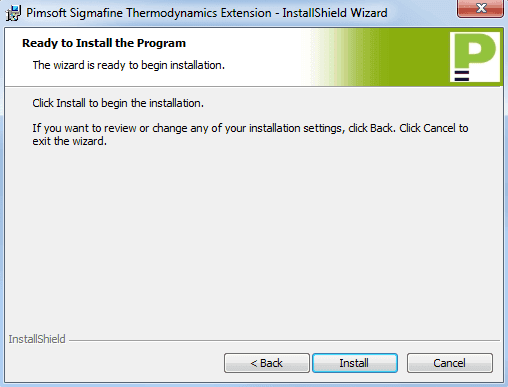
- Click Install to continue with the installation.
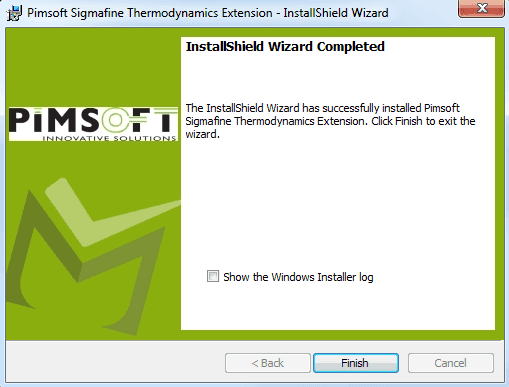
- Continue with the installation until completed and click Finish.