Copying a Sigmafine Template
You can easily copy a Sigmafine template and make modifications in the copy for your own analyses or name requirements. This is a better practice than directly modifying the templates that ship with Sigmafine and is easier than creating a new template.
To copy a template:
Open the System Explorer window.
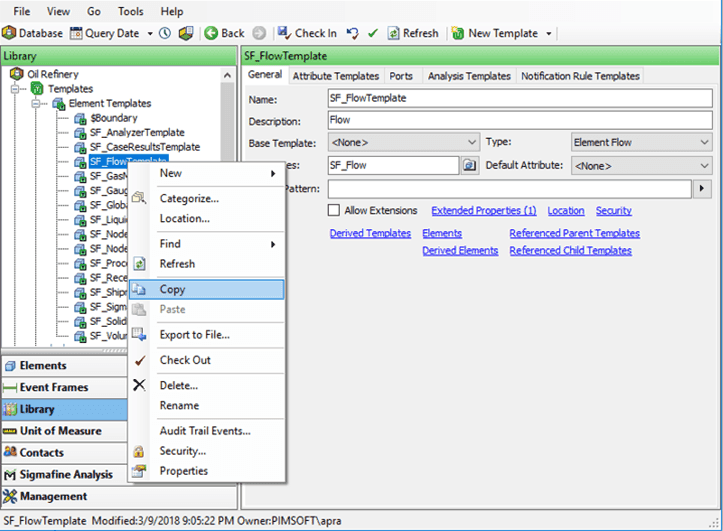
From the navigation pane, click on Library.
In the tree view, right-click on the template and select Copy.
In the tree view, right-click on Elements Template and select Paste.
The copy new Template appears at the end of the list shown in .
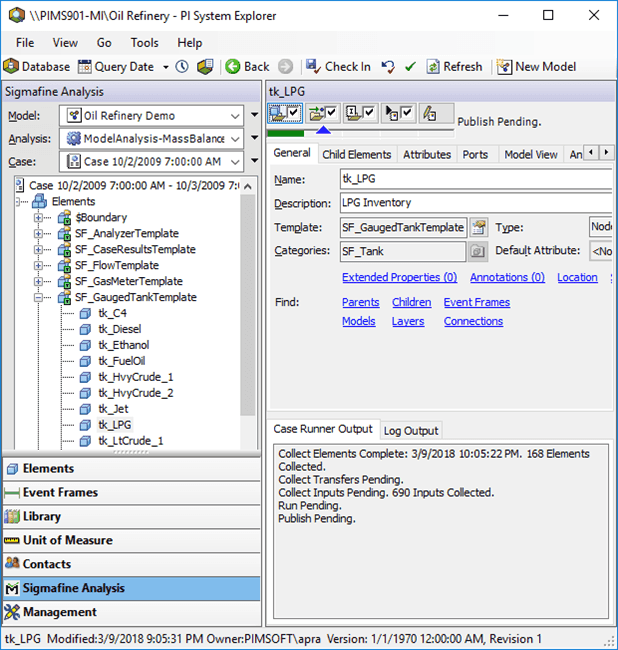
In the tree view, right-click on the copied Element template and select Rename to change the name.