Adding a Child Element to a Model
Typically use of child elements in not recommended in Sigmafine models. However, it is possible to create a new child Element and add it to a model, if necessary.
Open the AF Browser.
Click the Model tab.
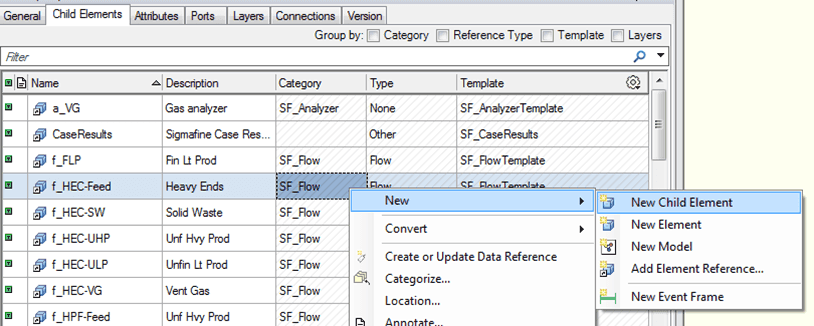
Right-click on the model (or any object contained in the model) to which you want to add the child element, and select New > New Child Element from the pop-up menu (as shown in Figure 159).
The Choose Element Template window opens.
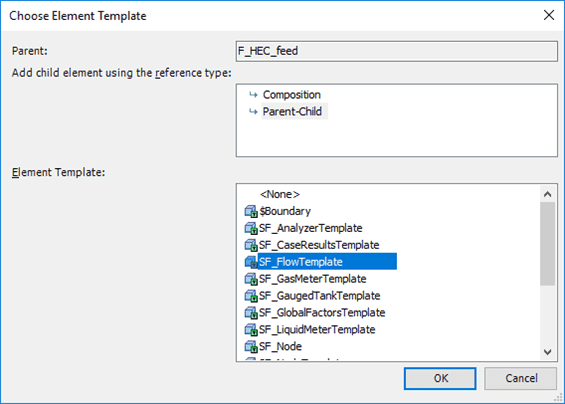
Click on the template you want to use.
Click OK.
T Choose Element Template closes and the Element appears in the list of Elements in Model tab.
Drag the Element into to an appropriate position in the display on the right.