Server Registration
To use IMM in SigmafineHub the IMM server needs to be registered, the following steps will go through the registration process.
Navigate to the Admin page.
Expand the IMM Settings.
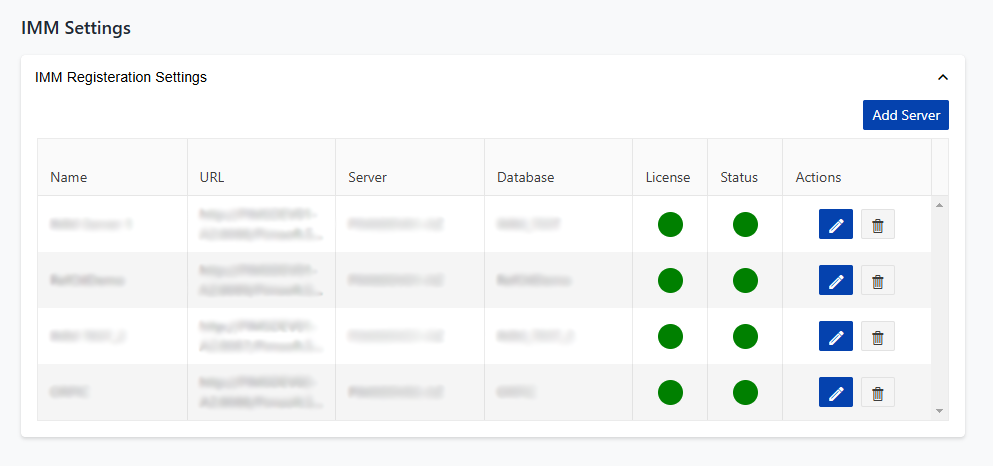
Click the Add Server button, the dialog below will be displayed.

Enter the Name, this is a display name.
Enter the server name in the URL.
Enter the port number, this is defaults to the IMM server port.
noteIf this has been changed during the IMM server installation, this port will need to be updated for the server registration. ::
Click Register to save and register the server.